The 10 Best Travel Tech Essentials for Digital Nomads Working Remotely

By Sarah Carter — Solo travel writer who has spent the past several years personally booking flights, testing insurance claims processes, and comparing budget platforms across dozens of countries.
Working remotely sounds simple—until unreliable Wi-Fi, dead batteries, or bulky gear disrupt your day. If you're building a location-independent lifestyle in 2026, the right tech setup isn't optional. It's what keeps your income stable while you move between cities, countries, or co-working spaces.
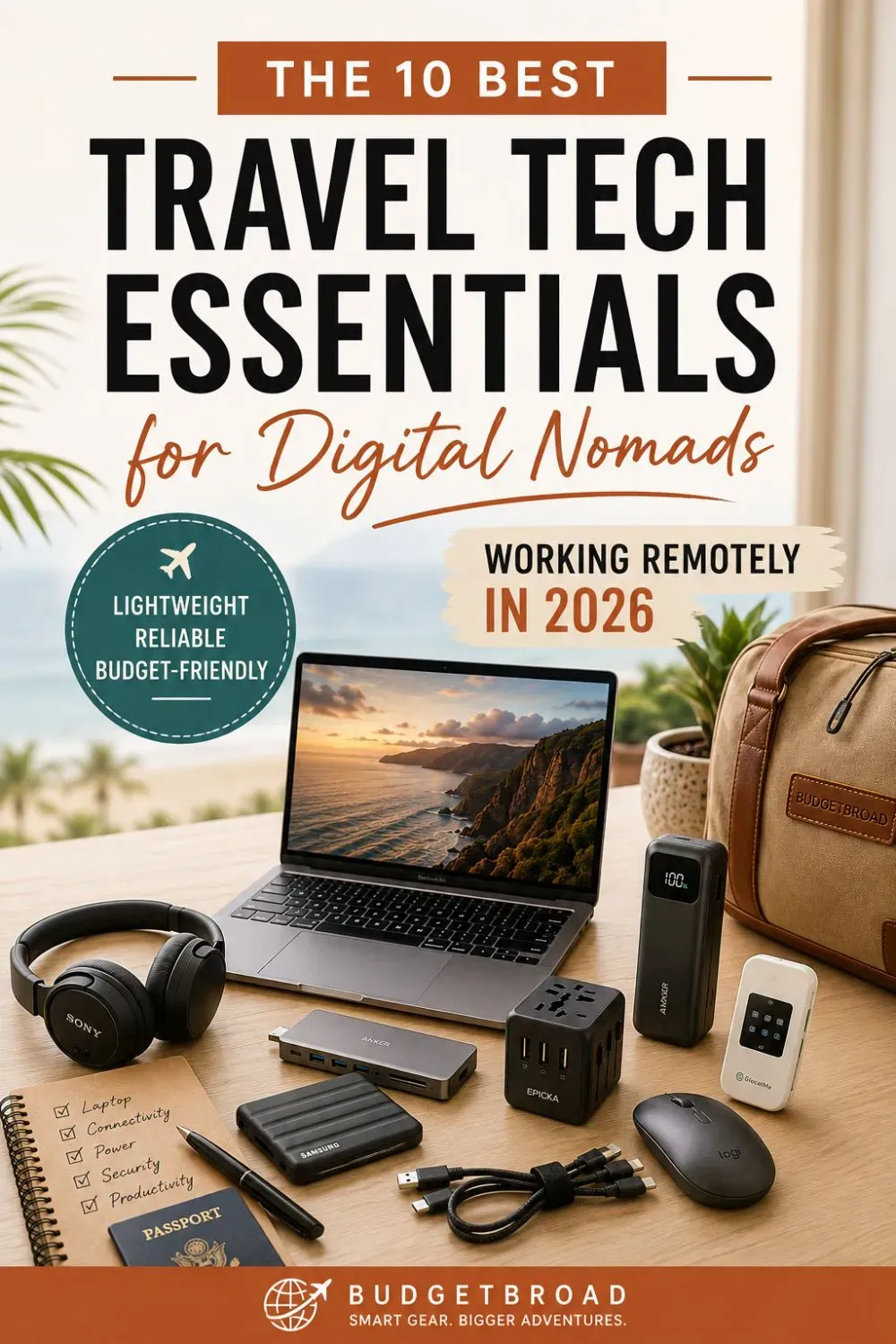
This guide breaks down the best travel tech essentials for digital nomads — ten proven picks, ranked, with real costs and weights so you can decide what actually belongs in your bag. We're focusing on:
- Portability
- Budget-conscious options
- Reliability for long-term travel
- Practical tools that reduce friction
No hype. No unnecessary gear. Just a streamlined setup that helps you work efficiently from anywhere.
Quick answer: how much should a nomad tech kit cost?
A lean starter kit costs roughly $250–$500 if you already own a laptop, and around $1,000–$1,600 if you need to buy a new one. The core items are a laptop, USB-C hub, power bank, universal adapter, external SSD, headphones, and a VPN or eSIM plan.
How we chose these picks
Every item was judged on four things a digital nomad actually cares about: weight (every ounce costs you on a carry-on), cost (we favor gear under $100 where possible), reliability (does it survive months on the road?), and friction (does it save you time and hassle?). Where we've lived with a piece of gear across multiple trips, we've said so — and where a budget alternative genuinely matches performance, we've listed it too.
The 10 Picks, Ranked for Portability & Budget
Here are the ten foundational pieces most digital nomads rely on daily. Each one earns its place by being lightweight, durable, and reasonably priced.
1. Lightweight Laptop — Apple MacBook Air M2
Verdict: The best all-around laptop for nomads who want power without the backache.
Primary option: Apple MacBook Air M2
- Under 3 lbs — reduces shoulder strain on long travel days
- Long battery life (up to 18 hours)
- Handles Canva, Google Workspace, and video calls with ease
Best for: writers, designers, and light-content creators.
Budget alternative: Acer Aspire 5 — a capable Windows option at roughly half the price.
Not for: heavy video editors, who will want more RAM and ports.
2. Noise-Cancelling Headphones — Sony WH-CH720N
Verdict: The best budget noise-cancelling headphones for café and client-call focus.
These block café chatter effectively while remaining far more affordable than premium flagships. They're especially helpful for client calls or focused writing sessions — the two times a day your income depends on concentration.
Best for: budget-conscious nomads who spend hours in shared spaces.
Recommended: Sony WH-CH720N — grab them before a long flight.
3. USB-C Hub — Anker 7-in-1
Verdict: The one-dongle solution that replaces a bag full of adapters.
One compact hub connects your external monitor, phone, SSD, and charging cable — eliminating the need for multiple adapters. For MacBook owners, this is the accessory that unlocks everything else on this list.
Recommended: Anker 7-in-1 USB-C Hub.
Not for: nomads with newer full-size laptops that already have enough ports.
4. External SSD — Samsung T7 Shield
Verdict: The most reliable backup for photos, client files, and documents.
An SSD is faster than relying on cloud uploads over weak Wi-Fi, and the rugged, pocketable T7 Shield handles the bumps of travel. Back up locally at night, sync to the cloud when you have strong signal, and you have a 3-2-1 safety net for your work.
Recommended: Samsung T7 Shield.
5. Travel eSIM — Airalo
Verdict: The easiest way to get online the minute you land.
Airalo is an app-based eSIM service that lets you buy and switch data plans in seconds without hunting for a physical SIM. It's perfect for border hopping, where you need connectivity to change instantly.
Best for: short stays and frequent border crossings (~$10/week).
Not for: long stays in a single country — a local physical SIM is often cheaper then.
6. Global Hotspot — GlocalMe G4 Pro
Verdict: The best backup connectivity when an eSIM or hotel Wi-Fi isn't enough.
Working in 150+ countries for about $170, this hotspot is the reliable second connection that keeps deadlines met when accommodation internet drops. It's insurance you don't realize you need until you need it.
Best for: nomads who can't afford to miss a client call.
Not for: light travelers already happy with eSIM + café Wi-Fi.
7. Power Bank — Anker Prime 20,000mAh
Verdict: The only power bank most nomads need — it charges a laptop and a phone.
With 20,000mAh and USB-C Power Delivery, it tops up a laptop once and a phone several times. GaN technology keeps it compact, and at this size it still fits in your carry-on for flight-approved travel.
Recommended: Anker Prime 20,000mAh Power Bank.
8. Universal Travel Adapter — Epicka
Verdict: One adapter that fits almost every outlet on earth.
The Epicka works in 150 countries and includes multiple USB ports, so you can charge your phone, headphones, and power bank from a single wall outlet. It's the highest-value, lowest-cost upgrade on this list.
Recommended: Epicka Universal Travel Adapter.
9. Portable Monitor — ASUS ZenScreen
Verdict: The optional upgrade that changes everything for dual-screen workers.
It folds flat and enables real dual-screen editing — a game-changer for writers, designers, and spreadsheet-heavy work. If your income depends on comparing documents side by side, this pays for itself fast.
Recommended: ASUS ZenScreen.
Not for: minimalists who prefer one screen and zero extra weight.
10. Travel Mouse — Logitech Pebble
Verdict: A silent, pocketable mouse that beats a trackpad for long sessions.
Silent clicks and a slim profile make the Pebble ideal for flights, cafés, and quiet co-working spaces. It's one of the cheapest ergonomic upgrades on this list.
Recommended: Logitech Pebble Mouse.
Cost & Weight at a Glance
Prices checked August 2026 and may change. Weights are approximate.
| Item | Budget | Premium | Weight |
|---|---|---|---|
| Laptop | ~$450 | ~$999 | 2.7–3.0 lbs |
| Noise-cancelling headphones | ~$98 | ~$250 | ~0.5 lb |
| USB-C hub | ~$30 | ~$55 | ~0.2 lb |
| External SSD (1TB) | ~$80 | ~$110 | ~0.1 lb |
| eSIM | ~$10/wk | ~$10/wk | 0 |
| Global hotspot | — | ~$170 | ~0.6 lb |
| Power bank (20,000mAh) | ~$60 | ~$90 | ~1.0 lb |
| Universal adapter | ~$25 | ~$30 | ~0.3 lb |
| Portable monitor | — | ~$200 | ~1.5 lb |
| Travel mouse | ~$25 | ~$30 | ~0.2 lb |
Budget vs. full kit: A lean starter kit (laptop not included) can realistically cost $250–$500. A full premium setup including a new laptop, hotspot, and portable monitor runs closer to $1,600. Most nomads land comfortably in between — start lean and add only what your workflow justifies.
Connectivity & Security: The Non-Negotiables
Reliable internet determines whether you can meet deadlines — and staying secure on public Wi-Fi protects your income. These are the layers that keep you online:
- eSIM (primary): Airalo (~$10/week).
- Hotspot (backup): GlocalMe G4 Pro (~$170).
- VPN (security): NordVPN (~$4/month) encrypts public and hotel Wi-Fi.
Pro tip: Pair an eSIM with a hotspot. Use the eSIM as your primary connection and the hotspot as backup. This layered setup reduces dependency on hotel Wi-Fi and keeps you connected even when accommodation internet drops. Add a password manager and two-factor authentication for an extra layer of protection on public networks.
Flying With Your Gear
Power banks must always go in your carry-on, never checked luggage. Most airlines cap personal power banks around 100Wh (a 20,000mAh bank is roughly 74Wh and typically fine), and spare lithium batteries follow the same rule. When in doubt, keep them on you and leave the bag light.
Also Worth Packing: The Space-Saving Extras
- Belkin Multi-Tip Charging Cable — Replaces multiple cords in one.
- BAGSMART Electronics Organizer — Keeps phones, power banks, SD cards, and cables sorted.
- BigBlue 28W Solar Charger — Backup charging for outdoor use.
- Compression cubes — Reduce cable bulk and keep your bag organized. See how they fit into a lean under-10kg packing system.
What You Can Leave Behind
Knowing what not to bring is half the battle. Most nomads overpack, so cut these before you leave:
- Duplicate cables — one multi-tip cable beats three single-use ones.
- Full-size keyboards — your laptop's keyboard works fine for most nomads.
- Multiple single-purpose chargers — a hub and a power bank cover the essentials.
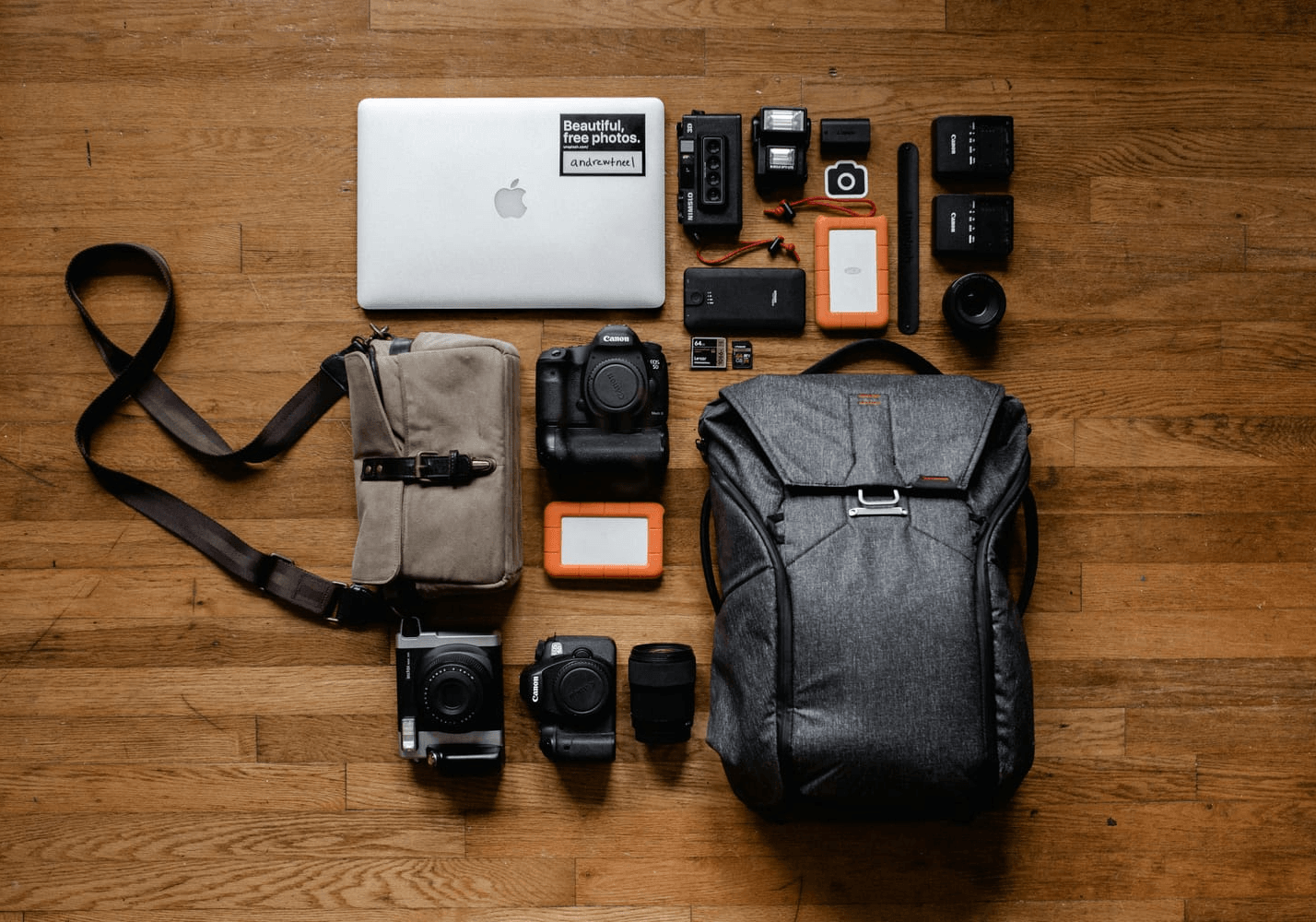
- Heavy camera gear — a modern phone handles most everyday shots.
Budget Optimization Strategy
Instead of overspending, follow these three principles:
- Consider refurbished laptops to cut costs significantly.
- Use eSIM plans instead of expensive roaming charges.
- Avoid duplicate cables — one multi-tip cable beats three single-use ones.
The Apps That Complete the Kit
Hardware solves physical constraints; apps reduce financial and logistical friction. A few free or low-cost standouts pair well with any setup:
- TravelSpend — Real-time expense tracking that surfaces overspending early.
- WiFi Map — Global hotspot directory with community-shared passwords.
- MAPS.ME — Offline navigation for low-data areas.
- Google Drive — 15GB of free, cross-device backup.
For a deeper list, see our guide on the best apps for digital nomads.
Quick Setup Checklist
Core:
- Laptop
- USB-C hub
- Power bank
- Universal adapter
- VPN subscription
Connectivity:
- eSIM (primary)
- Mobile hotspot (backup)
Optional Upgrades:
- Portable monitor
- Ergonomic travel mouse
- External SSD
This entire list fits inside a carry-on or personal item bag. Check out the guide on Carry-On Backpacks Under $100 — and our carry-on-only packing guide — for bags and methods that comfortably hold your laptop, chargers, and accessories while staying on budget.
Digital Nomad Tech FAQs
What is the most essential piece of travel tech for digital nomads?
A lightweight laptop. It's your office, income source, and communication hub on the road. Pair it with reliable connectivity (eSIM or hotspot), a power bank, and noise-cancelling headphones, and you can work productively from almost anywhere.
How much does a digital nomad tech setup cost?
A lean starter kit costs roughly $250–$500 if you already own a laptop, and around $1,000–$1,600 if you need to buy a new one. The core items are a laptop, USB-C hub, power bank, universal adapter, external SSD, headphones, and a VPN or eSIM plan.
What power bank capacity do I need to charge a laptop?
Choose a power bank of 20,000mAh or higher with USB-C Power Delivery (PD) of at least 65W. A 20,000mAh bank charges a phone several times and can top up a laptop once, making it the most practical travel size.
Is an eSIM better than a local SIM card for travel?
An eSIM is usually better for nomads who cross borders often, because you can buy and switch data plans instantly from an app. For long stays in one country, a local physical SIM is often cheaper — so many travelers use both.
How do digital nomads stay connected and secure on public Wi-Fi?
Layer an eSIM as your primary connection with a mobile hotspot as backup, and use a VPN to encrypt public and hotel Wi-Fi. Adding two-factor authentication and a password manager strengthens your security further.
What travel tech can digital nomads leave behind?
Most nomads can skip duplicate cables, heavy external keyboards, full-size camera gear, and multiple single-purpose chargers. One multi-tip cable, a compact organizer, and cloud or SSD backup cover most needs without the extra weight.
Final Thoughts: A Reliable Setup Creates Freedom
Digital nomad life is sustainable when your tech setup is dependable. The ten essentials above focus on portability, redundancy in connectivity, budget control, and practical productivity — because you don't need the most expensive tools, just equipment that reduces risk and supports consistent work.
Start with the core checklist. Add upgrades only when your workflow justifies them. And if you're refining your 2026 setup, review your current gear, simplify where possible, and prioritize reliability over novelty.
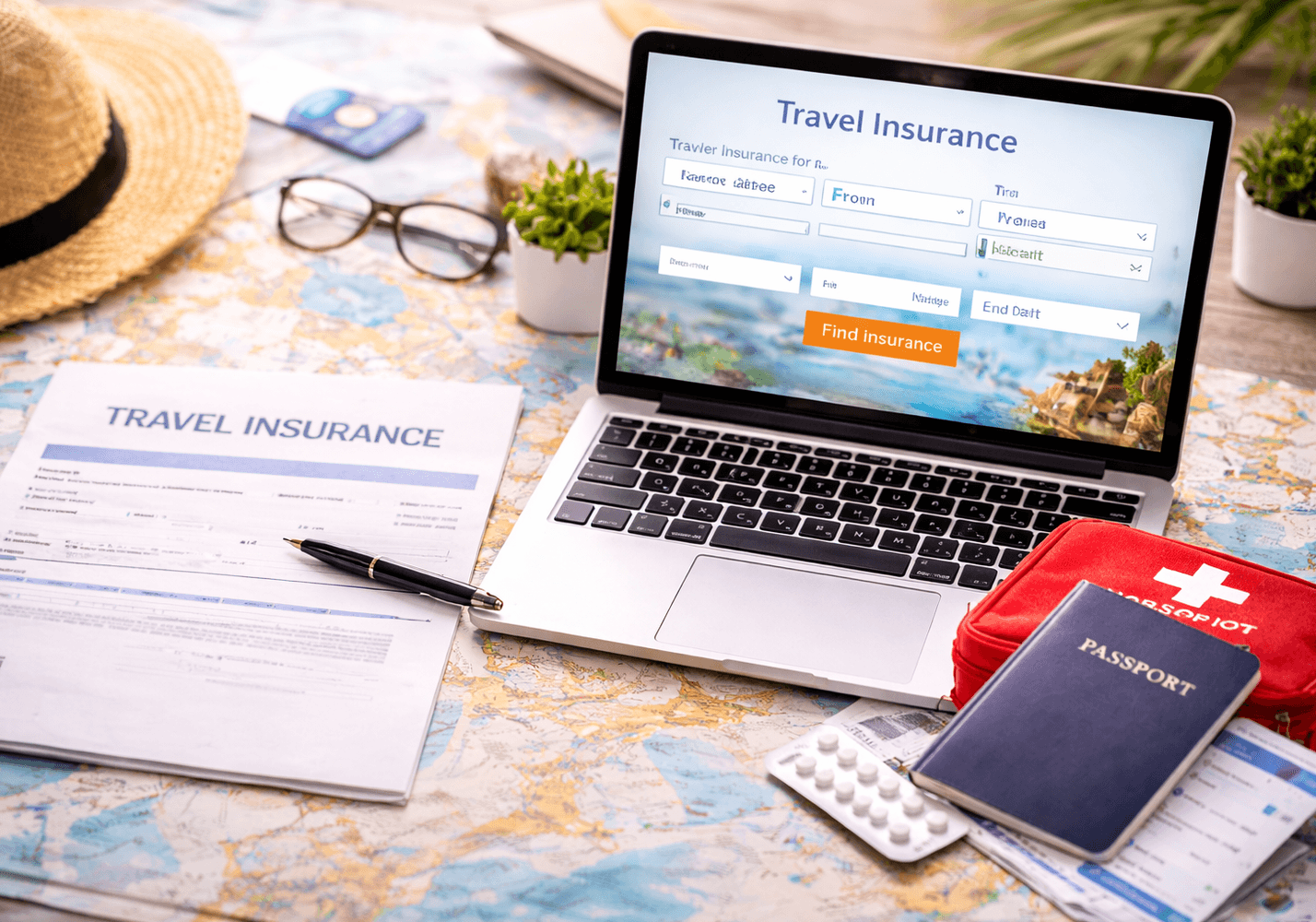
Reliable tech is only one part of working safely abroad. Before your next trip, review how to choose the best travel insurance for digital nomads — especially if you're carrying high-value gear or working internationally.
Disclosure: Some links on BudgetBroad are affiliate links. If you buy through them, we may earn a commission at no extra cost to you. We only recommend gear we believe is genuinely useful to budget travelers. Prices checked August 2026 and may change.
Last updated: August 11, 2026.
Latest Posts

TRAVEL INSPIRATION
Follow BudgetBroad on Pinterest
Save travel tips, packing ideas, destination guides, and smart travel inspiration for your next adventure.
★ BudgetBroad
BudgetBroad helps budget-conscious women, solo travelers, and digital nomads travel smarter and spend less through practical guides, comparisons, and money-saving travel services.
Travel Insurance
Packing & Cheap Stays
Some links on BudgetBroad are affiliate links. If you book or buy through them, we may earn a commission at no extra cost to you. We only recommend services we believe are genuinely useful to budget travelers.