The 10 Best Travel Tech Essentials for Digital Nomads Working Remotely
This post may contain affiliate links. If you book through them, I may earn a small commission at no extra cost to you. I only recommend tools I personally trust and genuinely use for safe, smart, and confident travel.
Working remotely sounds simple—until unreliable Wi-Fi, dead batteries, or bulky gear disrupt your day. If you’re building a location-independent lifestyle in 2026, the right tech setup isn’t optional. It’s what keeps your income stable while you move between cities, countries, or co-working spaces.
This guide outlines the best travel tech essentials for digital nomads, focusing on:
Portability
Budget-conscious options
Reliability for long-term travel
Practical tools that reduce friction
No hype. No unnecessary gear. Just a streamlined setup that helps you work efficiently from anywhere.
Digital Nomad Tech Tools List: Core Essentials for Remote Work
Start with foundational hardware. These are the items most digital nomads rely on daily.
The goal: lightweight, durable, and reasonably priced (under $100 where possible).
1. Lightweight Laptop
Primary option: Apple MacBook Air M2
Budget alternative: Acer Aspire 5
Why it matters:
Under 3 lbs
Long battery life (up to 18 hours for the MacBook Air)
Strong performance for tools like Canva and Google Workspace
Compared to bulkier 4+ lb laptops, lighter models reduce shoulder strain and make café work far more practical.
2. Noise-Cancelling Headphones
These block café chatter effectively while remaining more affordable than premium alternatives. They’re especially helpful for client calls or focused writing sessions.
3. USB-C Hub
One compact dongle connects:
External monitor
Phone
SSD
Charging cable
This eliminates the need for multiple adapters.
4. External SSD for Backup
Faster than relying on cloud uploads over weak Wi-Fi. Rugged and portable, ideal for backing up photos, client files, and documents.
Core Setup Summary
| Essential | Purpose | Why It’s Practical |
|---|---|---|
| Lightweight laptop | Primary work device | Portable + strong battery |
| Noise-cancelling headphones | Focus + calls | Reduces distractions |
| USB-C hub | Connectivity | Fewer cables |
| External SSD | Backup security | Faster than cloud |
Remote Work Gadgets for Travelers: Productivity & Connectivity Upgrades
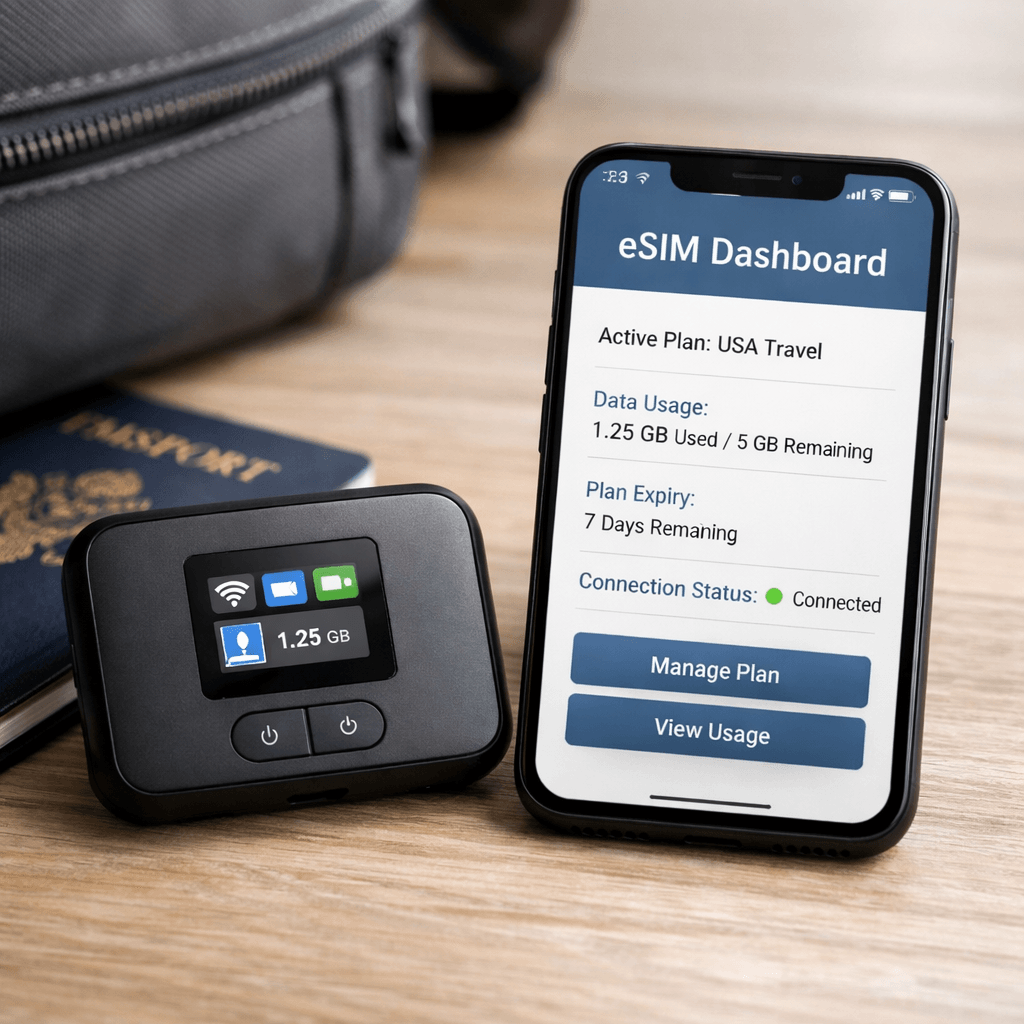
Once your foundation is solid, a few additional tools can improve reliability and comfort.
Connectivity Tech (Non-Negotiable)
Reliable internet determines whether you can meet deadlines.
Comparison Table
| Gadget | Why It Works | Budget Range | Best For |
|---|---|---|---|
| GlocalMe G4 Pro | Works in 150+ countries | ~$170 | Backup connectivity |
| Airalo | App-based eSIM plans | ~$10/week | Border hopping |
| NordVPN | Encrypts public Wi-Fi | ~$4/month | Security |
Pro tip: Pair an eSIM with a hotspot. Many nomads report near-constant connectivity, even when hotel Wi-Fi drops to 60%.
Even with the best hotspot setup, accommodation choice matters. Check out the best budget stays in Bali with fast Wi-Fi for remote workers to plan destinations with reliable connectivity.
Practical approach:
Use an eSIM as your primary connection and a hotspot as backup. This layered setup reduces dependency on hotel Wi-Fi.
Power Essentials
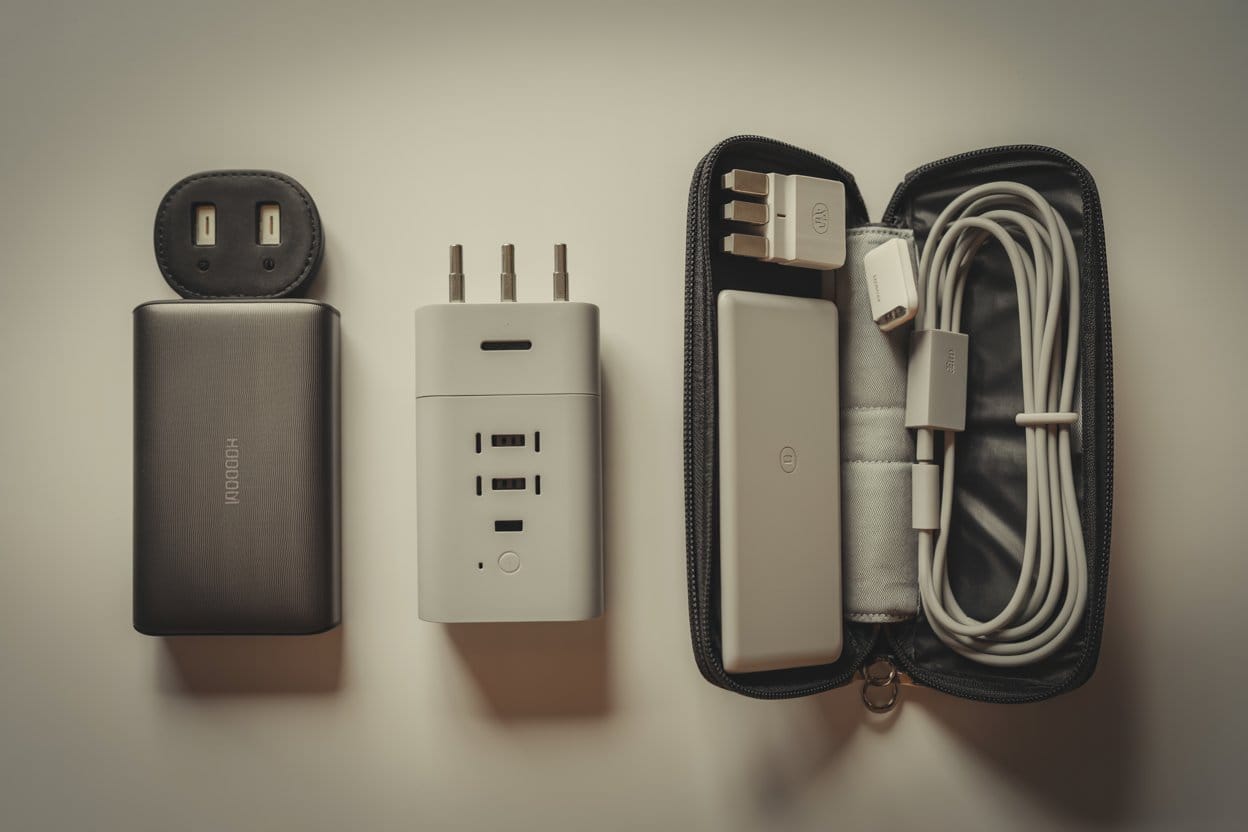
Power issues are one of the most common travel disruptions.
Anker Prime 20,000mAh Power Bank
Charges laptop + phone
Compact thanks to GaN tech
Epicka Universal Travel Adapter
Works in 150 countries
Multiple USB ports
Tip: Store cables in a structured tech pouch to prevent damage and airport delays.
Productivity Hardware Boosters
These are optional—but helpful for longer work sessions.
Folds flat
Enables dual-screen editing
Silent clicks
Slim profile for travel
A portable monitor especially improves productivity for writers, designers, and spreadsheet-heavy work.
Best Apps for Digital Nomads in 2026 (Budget & Productivity)
Hardware solves physical constraints. Apps reduce financial and logistical friction.
These tools are either free or low-cost.
Travel Budget & Planning
TravelSpend
Real-time expense tracking helps identify overspending early.Skyscanner
Set price alerts for budget routes and compare airlines efficiently.
Navigation & Connectivity
Storage & Security
Google Drive
15GB free storage with cross-device syncing.NordVPN
One-tap encryption for public networks.
Together, these apps form a practical digital toolkit.
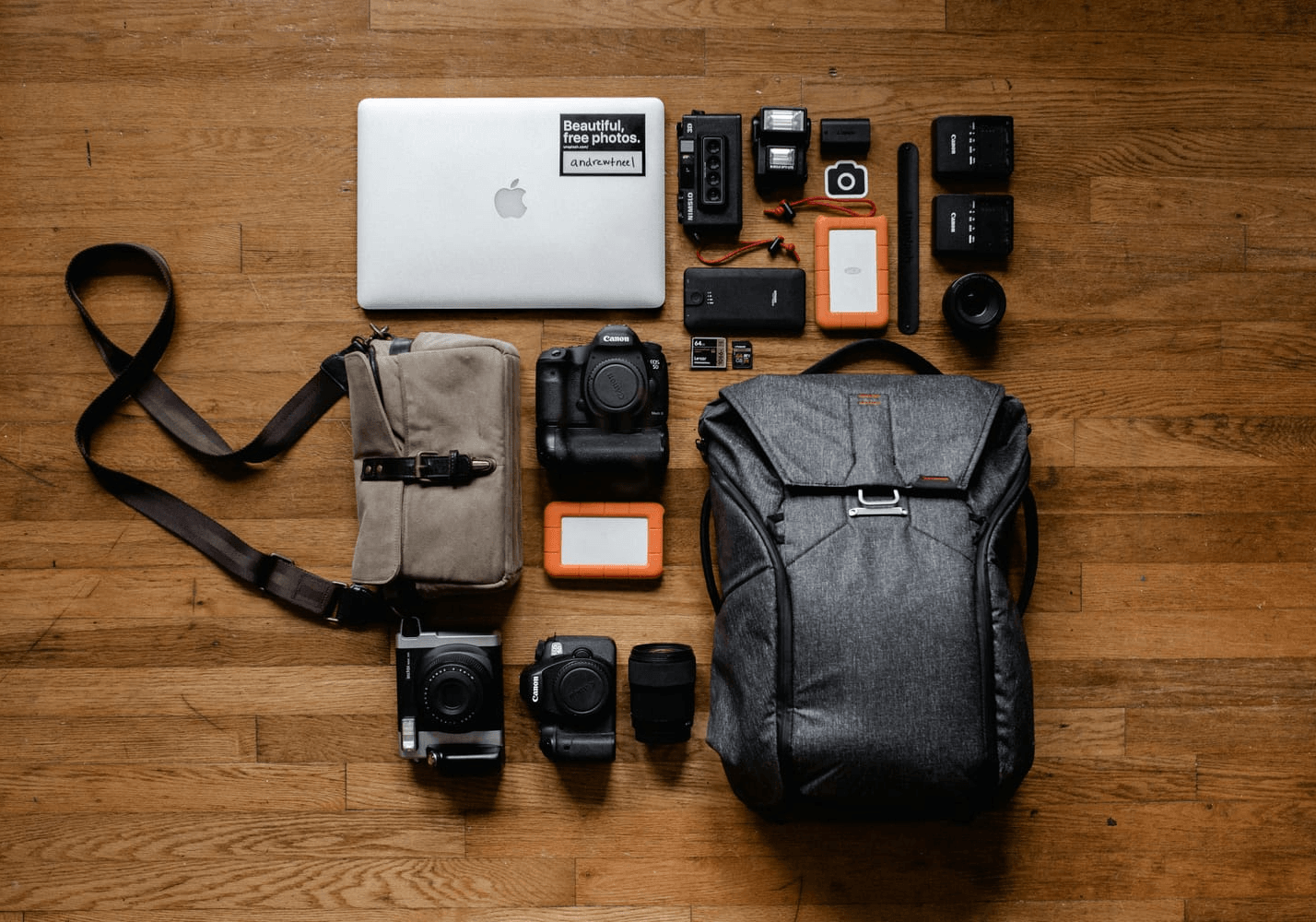
Tech Packing List for Digital Nomads (Minimalist Carry-On Setup)
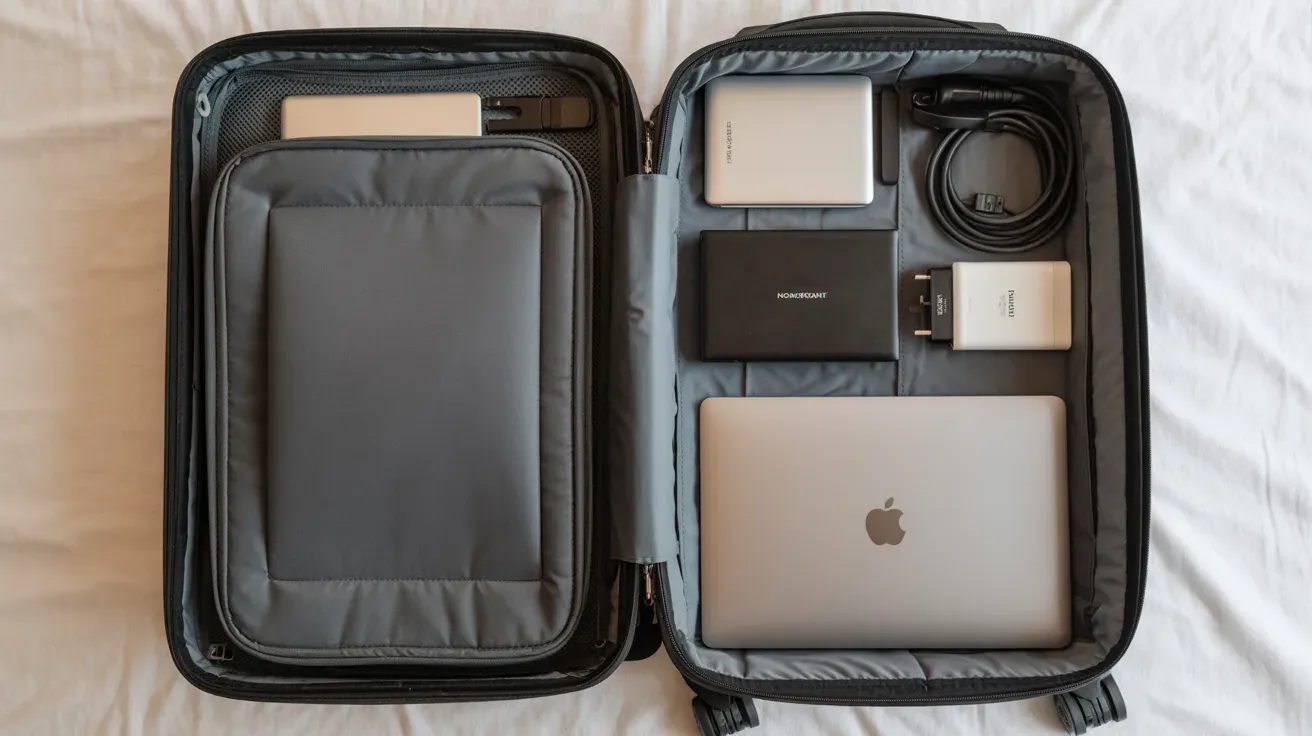
A minimalist setup reduces stress and weight.
Focus on multi-use items under a controlled budget.
Space-Saving Packing Hacks
Belkin Multi-Tip Charging Cable – Replaces multiple cords.
BAGSMART Electronics Organizer – Keeps Phones, Power Bank, SD Card, and Cables sorted
BigBlue 28W Solar Charger – Backup charging outdoors
Compression cubes – Reduce cable bulk
Pair your tech organizer pouch and compression cubes with a lightweight carry-on. Our guide on Carry-On Backpacks Under $100 highlights options that comfortably hold laptops, chargers, and accessories while staying under budget.
Budget Optimization Strategy
Instead of overspending:
1. Consider refurbished laptops
2. Use eSIM plans instead of roaming
3. Avoid duplicate cables
A lean starter kit can realistically cost $250–$500, depending on the laptop chosen.
Quick Checklist
Core
Laptop
USB-C hub
Power bank
Universal adapter
VPN
Connectivity
eSIM
Hotspot (optional backup)
Optional Upgrades
Portable monitor
Ergonomic mouse
External SSD
This entire list fits inside a carry-on or personal item bag.
FAQ: What Tech Do Digital Nomads Need?
Digital nomads stay connected by combining an eSIM for local data, a portable hotspot for backup internet, and a VPN for secure browsing. This layered setup reduces reliance on hotel Wi-Fi and ensures consistent access to work platforms and client calls.
Digital nomads typically need a lightweight laptop, a secure internet connection (eSIM or hotspot), a power bank, a universal adapter, noise-cancelling headphones, and a VPN. These essentials ensure productivity, connectivity, and security while working remotely from cafés, airports, or co-working spaces.
A combination of:
Anker power bank
Epicka adapter
Airalo eSIM
This covers charging and connectivity affordably.
Prioritize:
USB-C hub
Reliable power bank
Free storage tools like Google Drive
Avoid buying specialty gear unless it clearly supports your workflow.
No. It improves productivity for editing or spreadsheet work, but is optional for lightweight workflows.
Both. Cloud storage enables syncing, while SSDs provide faster local backups when Wi-Fi is weak.
A lean starter setup typically ranges from $250 to $500, depending on the laptop chosen.
Yes, when rated properly and used with surge protection.
Power-related issues, such as drained batteries or incompatible outlets.
Final Thoughts: A Reliable Setup Creates Freedom
Digital nomad life is sustainable when your tech setup is dependable.
The essentials outlined above focus on:
Portability
Redundancy in connectivity
Budget control
Practical productivity
You don’t need the most expensive tools. You need equipment that reduces risk and supports consistent work. Start with the core checklist. Add upgrades only when your workflow justifies them. If you’re refining your 2026 setup, review your current gear, simplify where possible, and prioritize reliability over novelty.
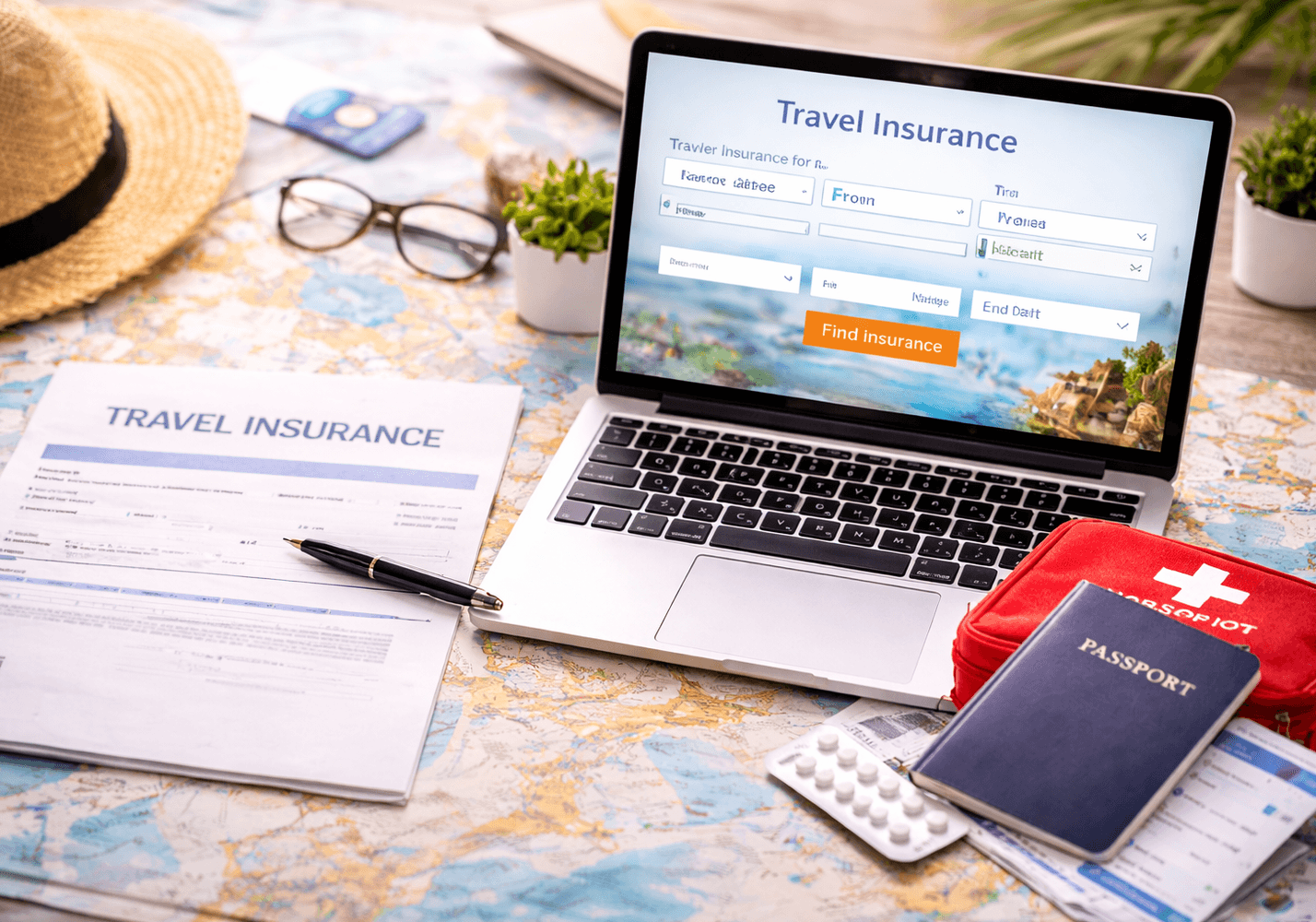
Reliable tech is only one part of working safely abroad. Before your next trip, it’s worth reviewing how to choose the best travel insurance for digital nomads, especially if you’re carrying high-value gear or working internationally.
Latest Posts